
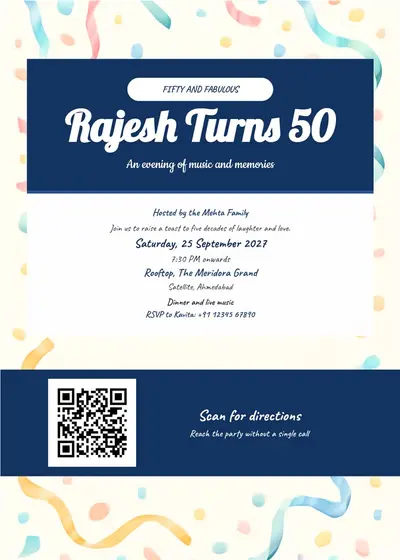
rajesh turns 50 birthday invitation card card style and qr code
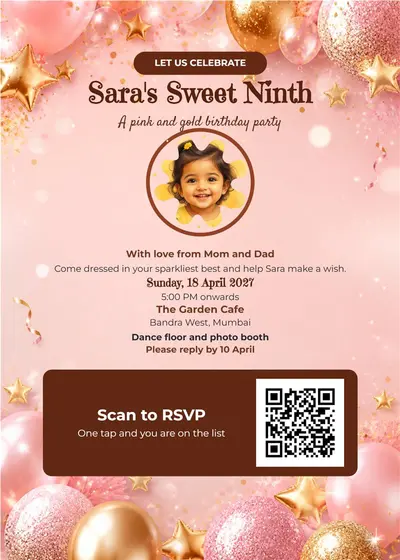
sara's sweet ninth birthday invitation card with photo frame and qr code
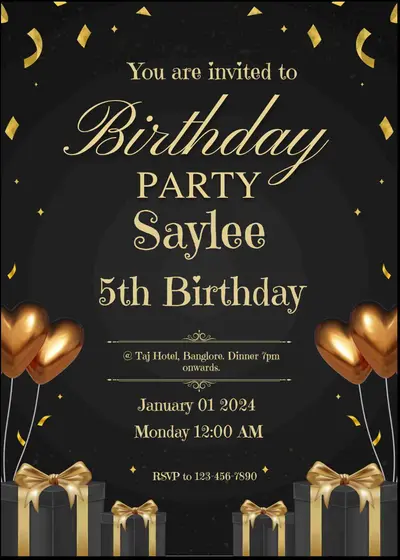
Create unique birthday invitation cards - easyinvite
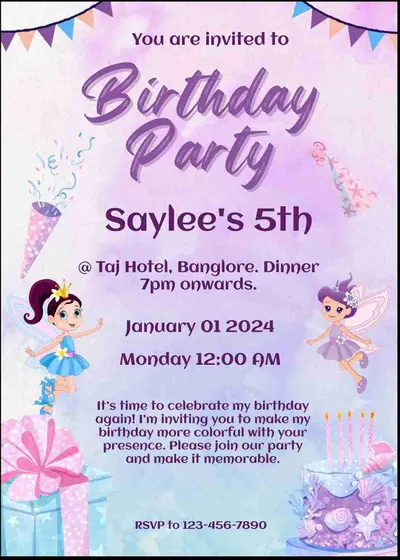
Customize birthday invitations with ease - easyinvite

Make personalized birthday invitations online - easyinvite
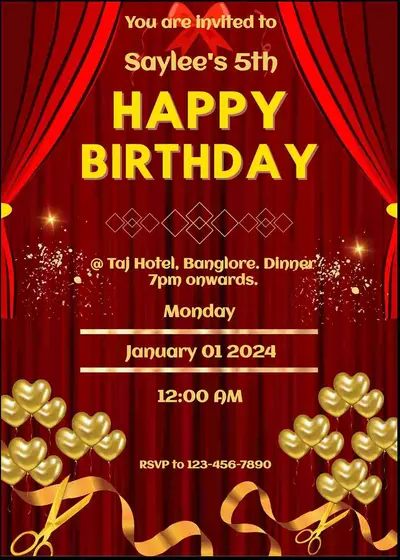
Design personalized birthday invitations online - easyinvite

Design custom birthday invitations with photos - easyinvite
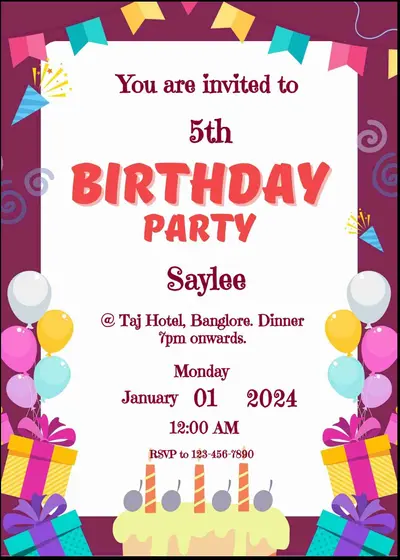
Create personalized birthday invitations with photos - easyinvite
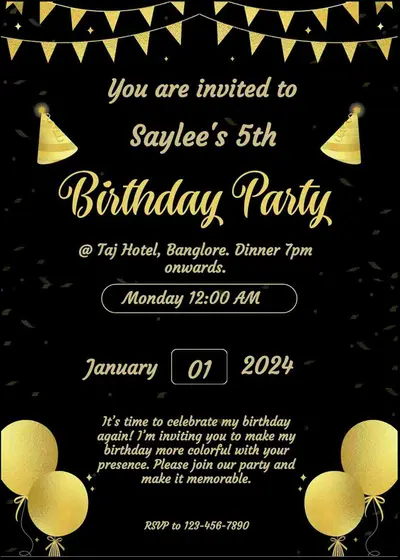
Make personalized birthday invitations online - easyinvite
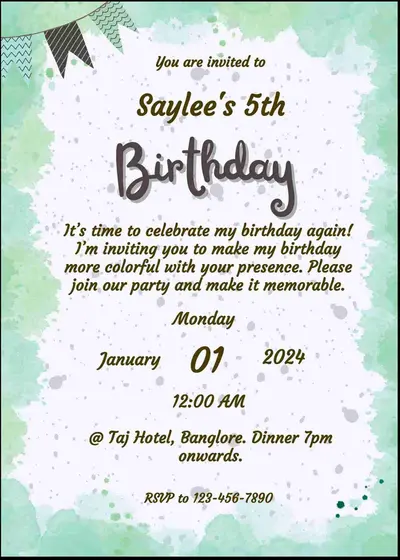
Create customized birthday invitations online - easyinvite
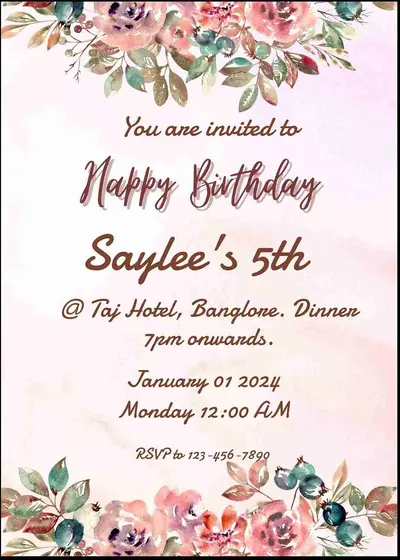
Make personalized birthday invitation cards online - easyinvite
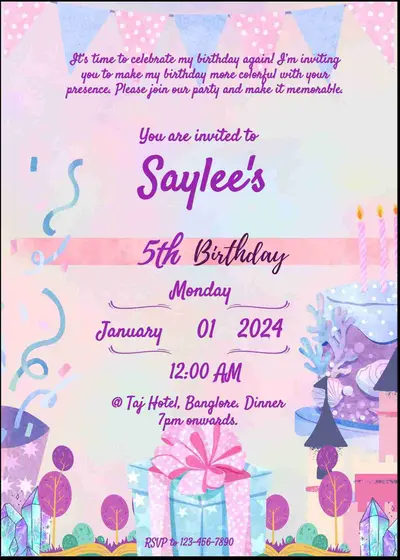
Create custom birthday invitations with photo - easyinvite
A birthday party starts with a good invitation. With EasyInvite you can make a birthday invitation card online for a first birthday, a kids theme party, a milestone birthday or a surprise dinner for an adult. Choose a design, change the name, age, date, time and venue, add a photo of the birthday star and share the card with guests on WhatsApp in a few minutes.
The best birthday card matches the person and the party. Browse designs for different ages and themes:
A clear card saves you many phone calls. Include the name of the birthday person, the age or milestone if you wish, the date and start time, the full venue address, and an RSVP number. Add a line about the theme, a dress code, or a note such as no gifts please. Every text block in the editor can be changed, resized and recoloured, so you can fit as much or as little detail as you like.
Parties today range from a simple home gathering to a themed celebration at a venue. These styles cover both:
Use the biggest text for the name of the birthday person and the date. If the party has a theme, mention it in a small line so that guests can dress for it. For kids parties, mention the start and end time so that parents can plan. For adult parties, mention the dress code. A photo of the birthday star always makes the card feel personal.
You do not need any design skills. Follow these steps in the EasyInvite editor:
Tap the photo in a photo template, choose Change and pick a picture from your gallery, then use Crop to fit so the face sits nicely in the frame. Remove background and AI cartoon or Ghibli effects can turn an ordinary snap into a fun party invitation.
Whether you are planning at the last minute or weeks ahead, EasyInvite keeps birthday invitations simple:
Invite grandparents and relatives in the language they read best. The birthday category is also available in:
Celebrating something else? Have a look at these categories:
1. How do I make a birthday invitation card online?
Open a birthday template, change the name, age, date, time and venue, then download the card and share it on WhatsApp.
2. Can I put my childs photo on the card?
Yes. Pick a photo template, tap the photo, choose Change and use Crop to fit. You can also remove the background for a clean look.
3. Can I make an adult birthday invitation?
Yes. There are elegant gold, black and floral designs for adults as well as playful ones for kids.
4. Can I write my own party message?
Yes. All text is editable, so you can add a theme, dress code, RSVP number or a short welcome note.
5. Does it work on mobile?
Yes. You can use EasyInvite on the website or in the Android app and share straight from your phone.
A good invitation builds excitement before the first balloon is blown. Pick a birthday invitation template, add your details and photo, and send it out today.
Frequently Asked Questions