

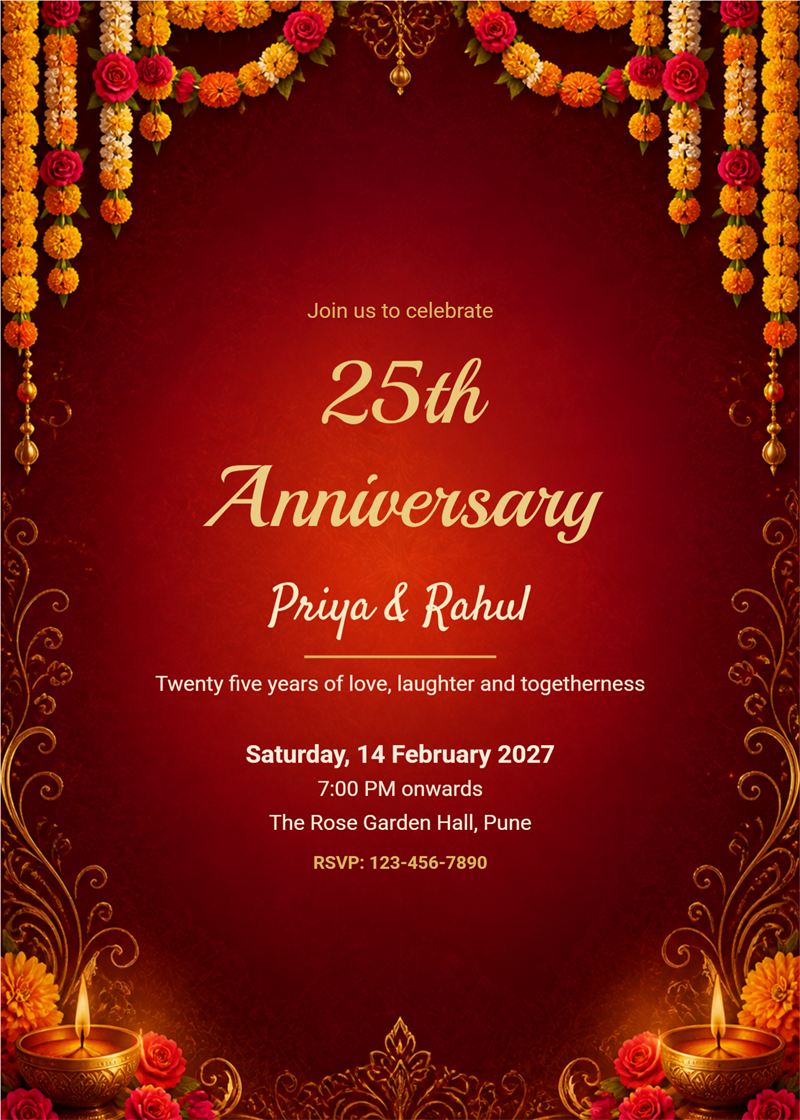
marigold and diya maroon anniversary invitation
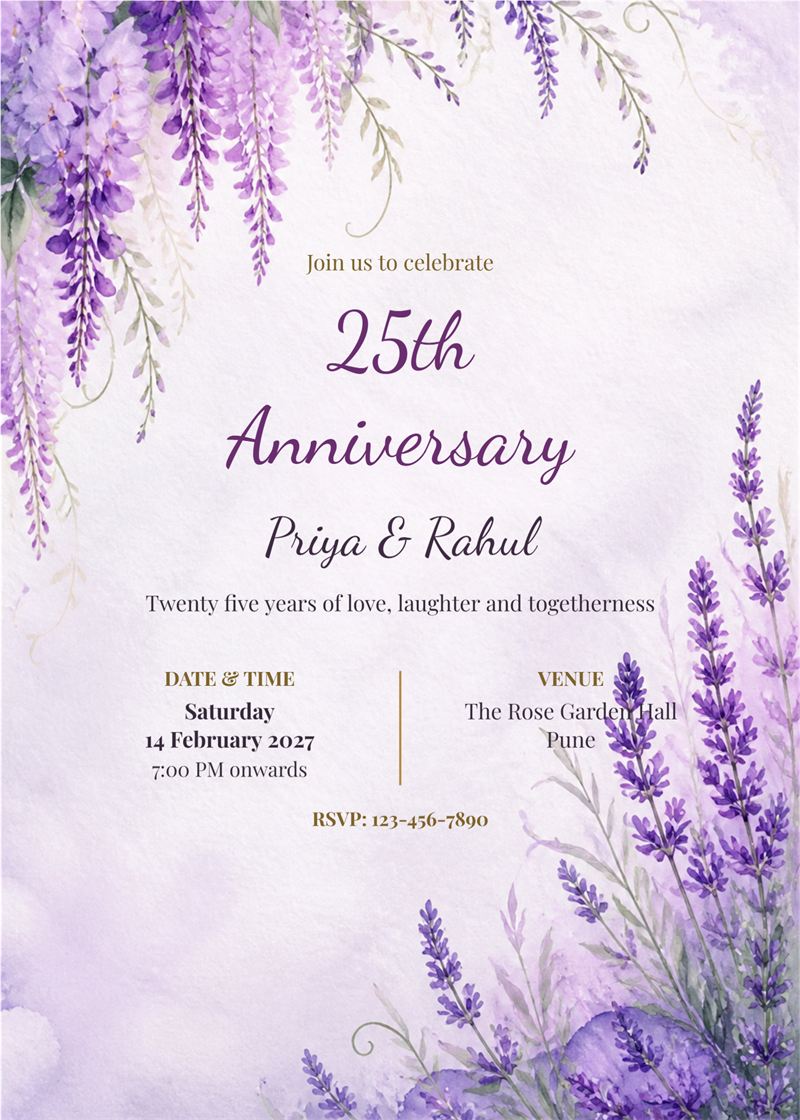
lavender floral anniversary invitation with details panel
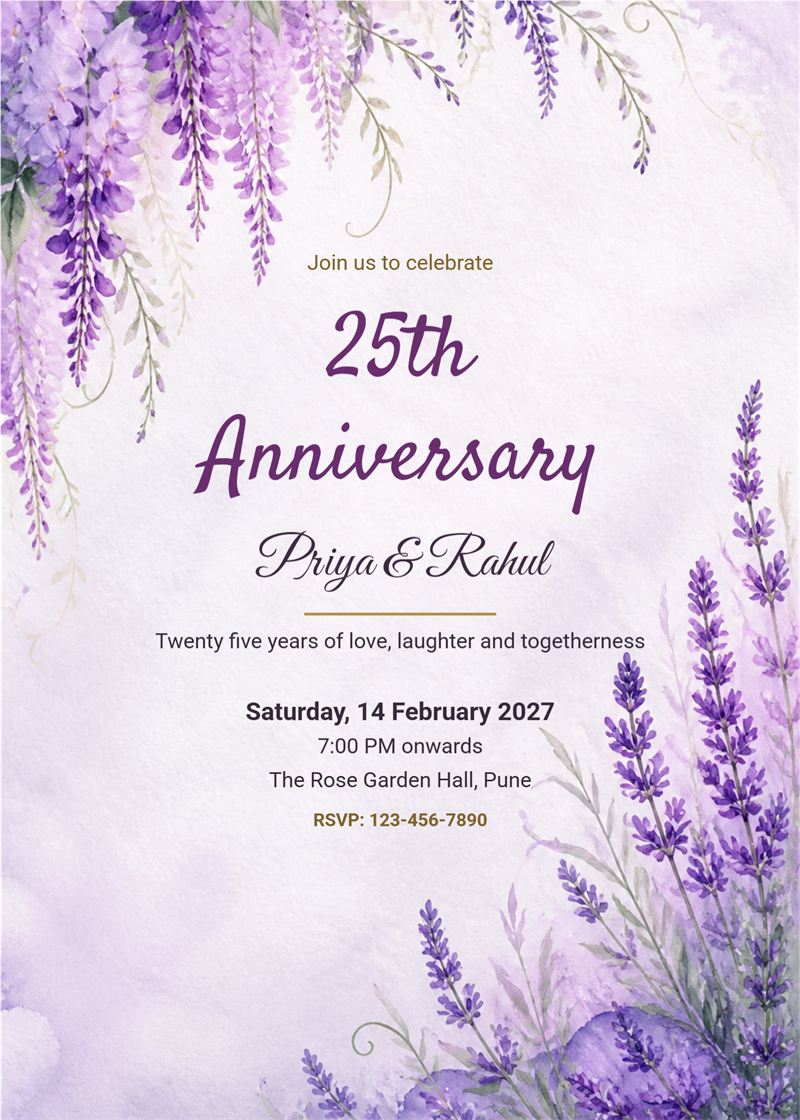
lavender floral anniversary invitation
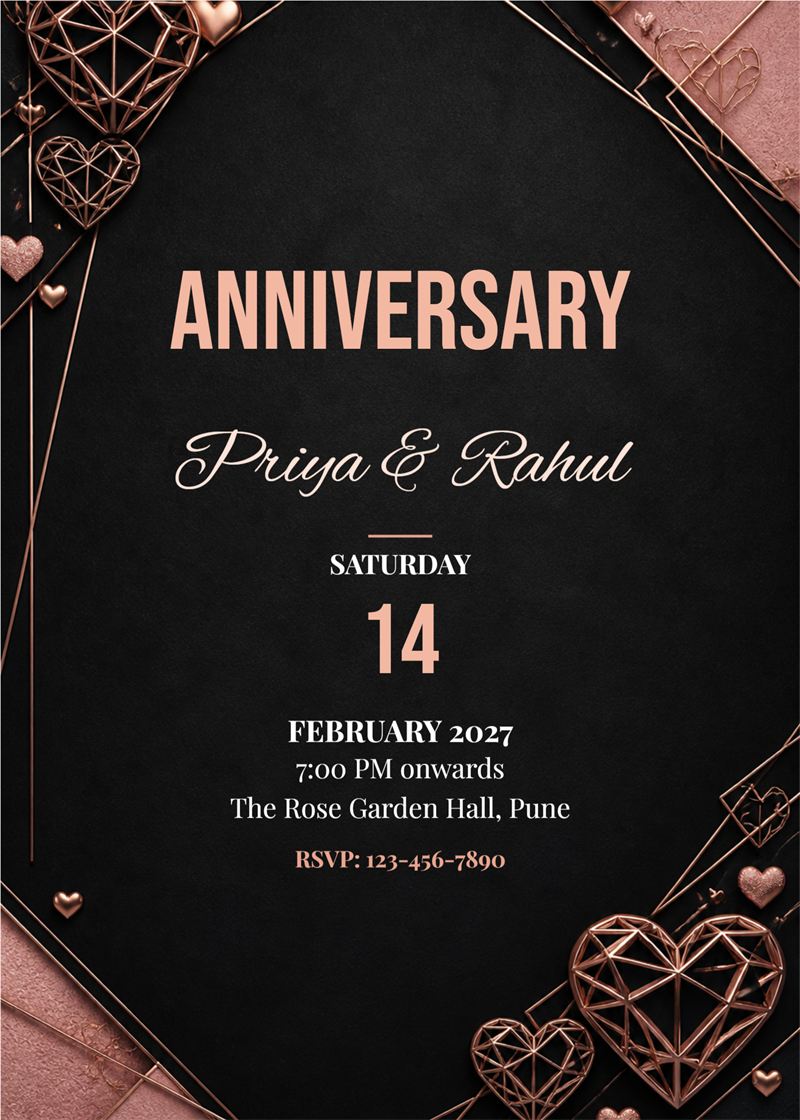
black and rose gold geometric anniversary invitation modern
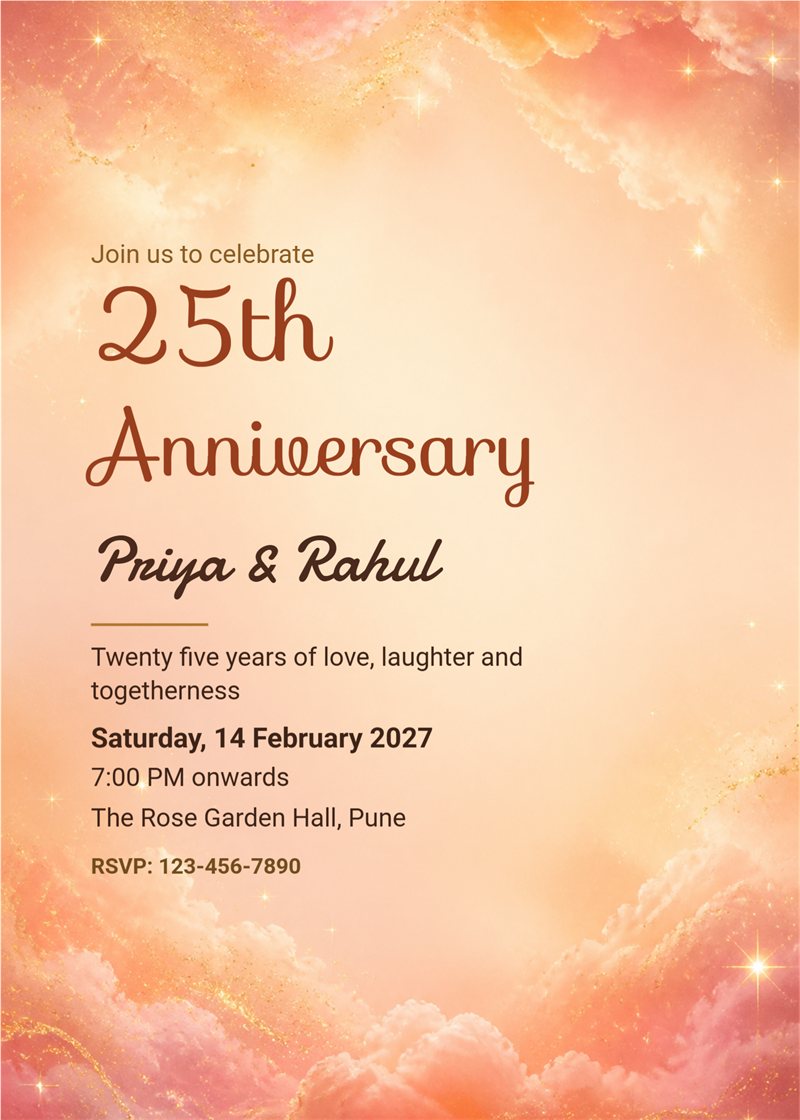
peach sunset sky anniversary invitation left aligned
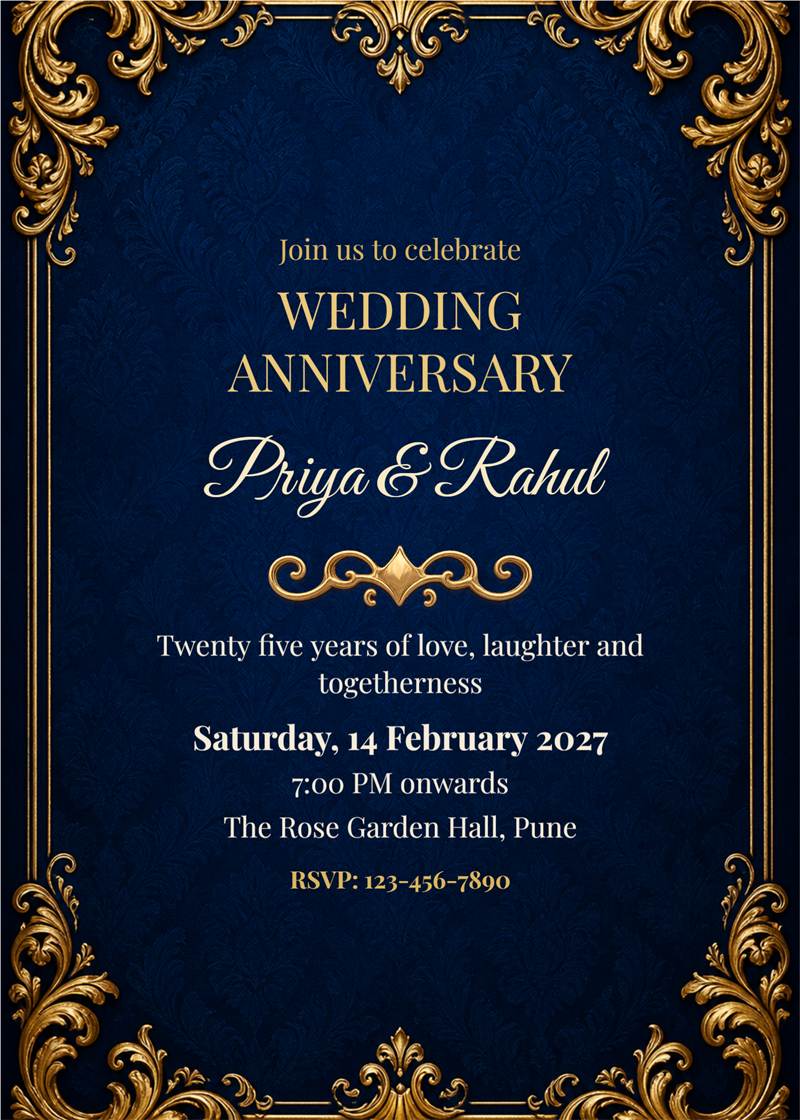
royal blue and gold vintage anniversary invitation
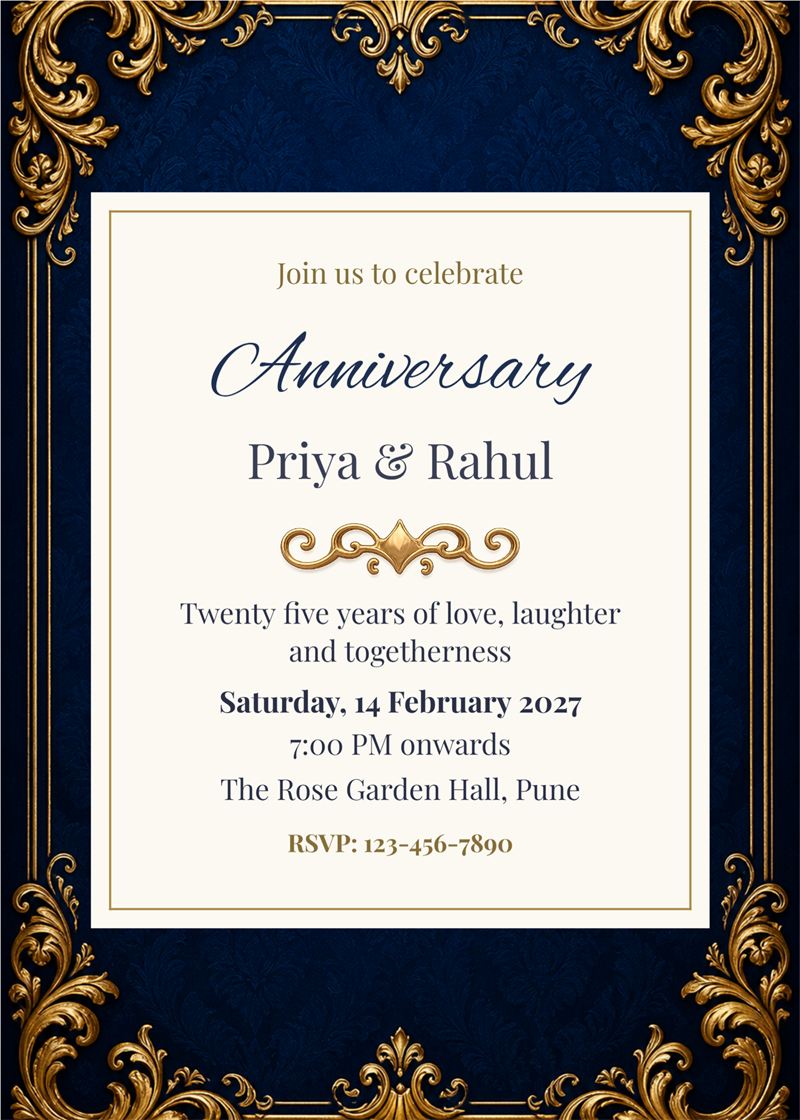
royal blue and gold vintage anniversary invitation framed
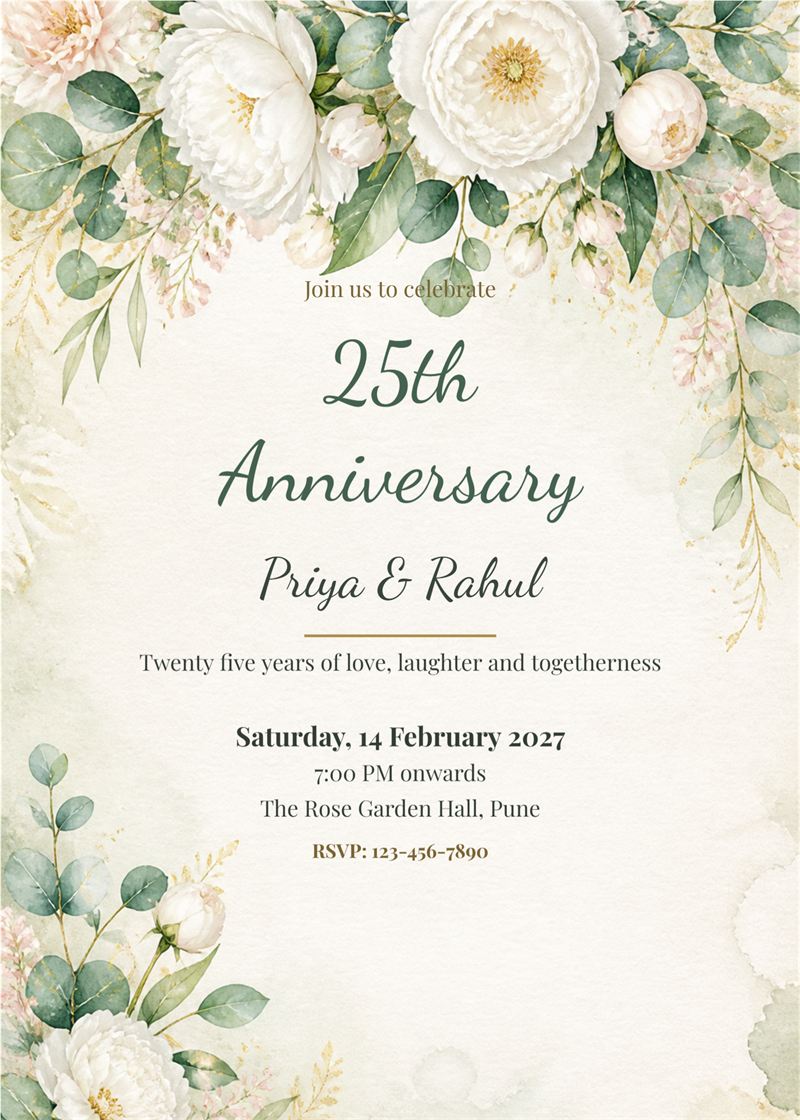
sage and white peony anniversary invitation

wine and rose gold hearts anniversary invitation ii
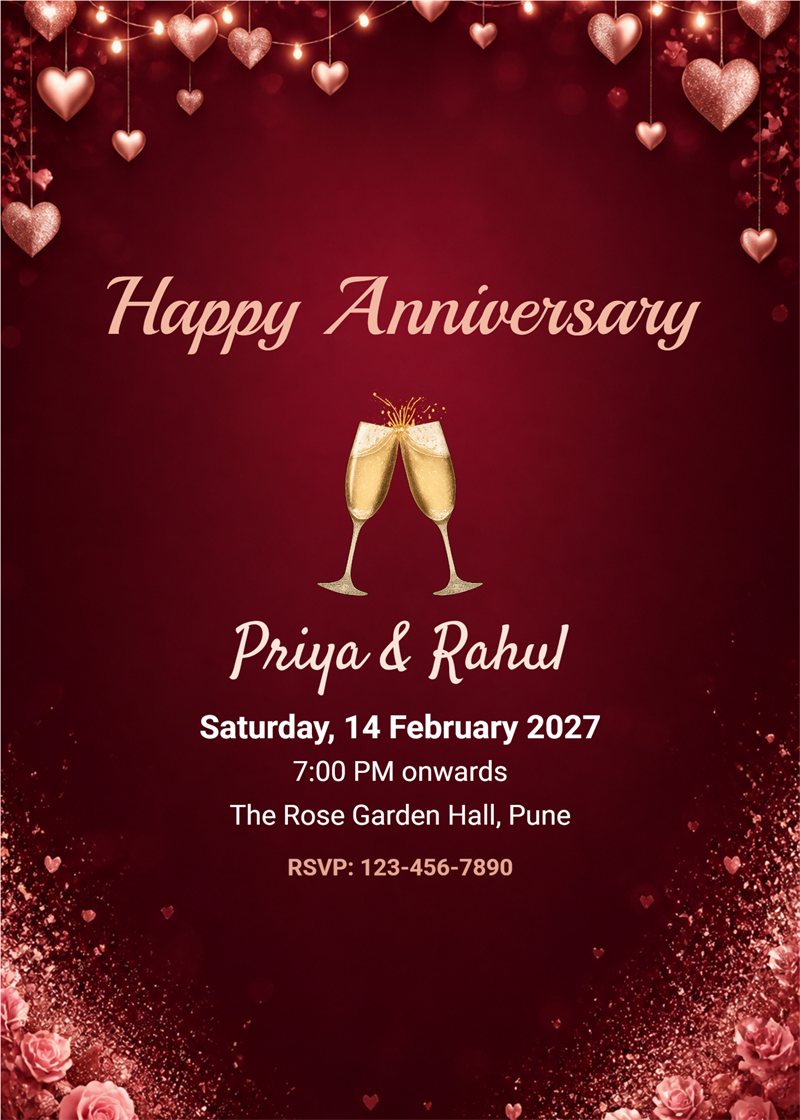
wine and rose gold hearts anniversary invitation
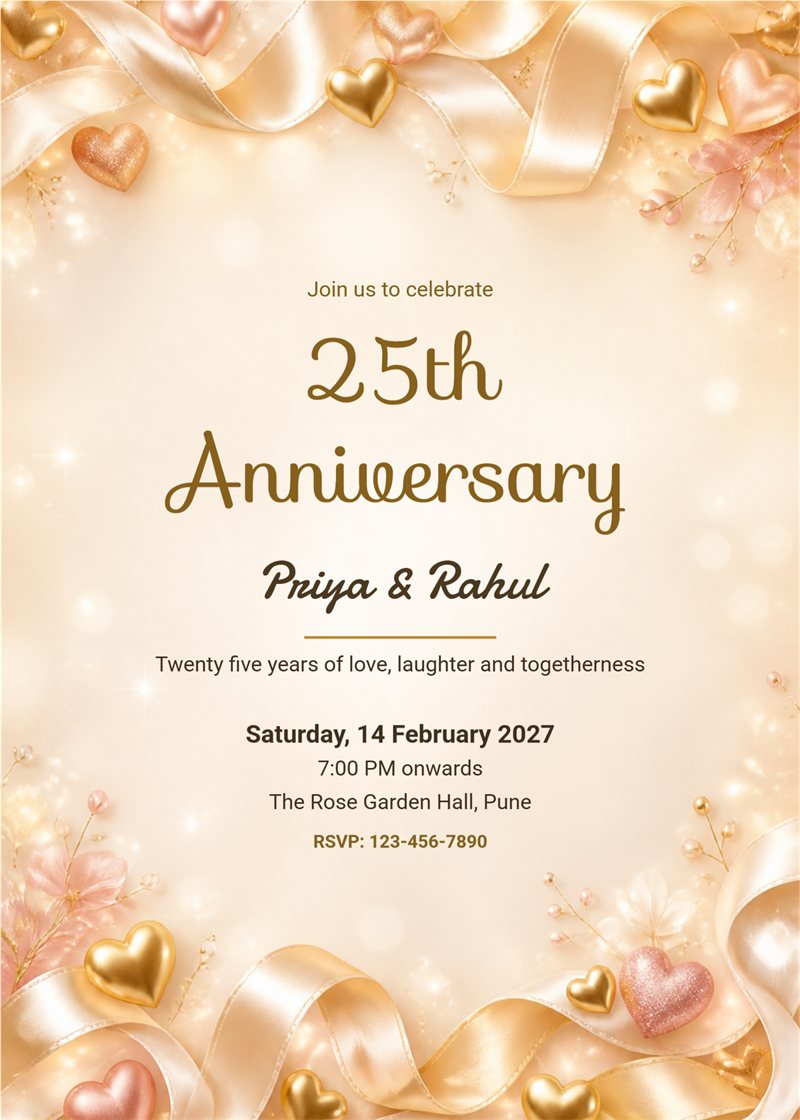
champagne ribbons and hearts anniversary invitation
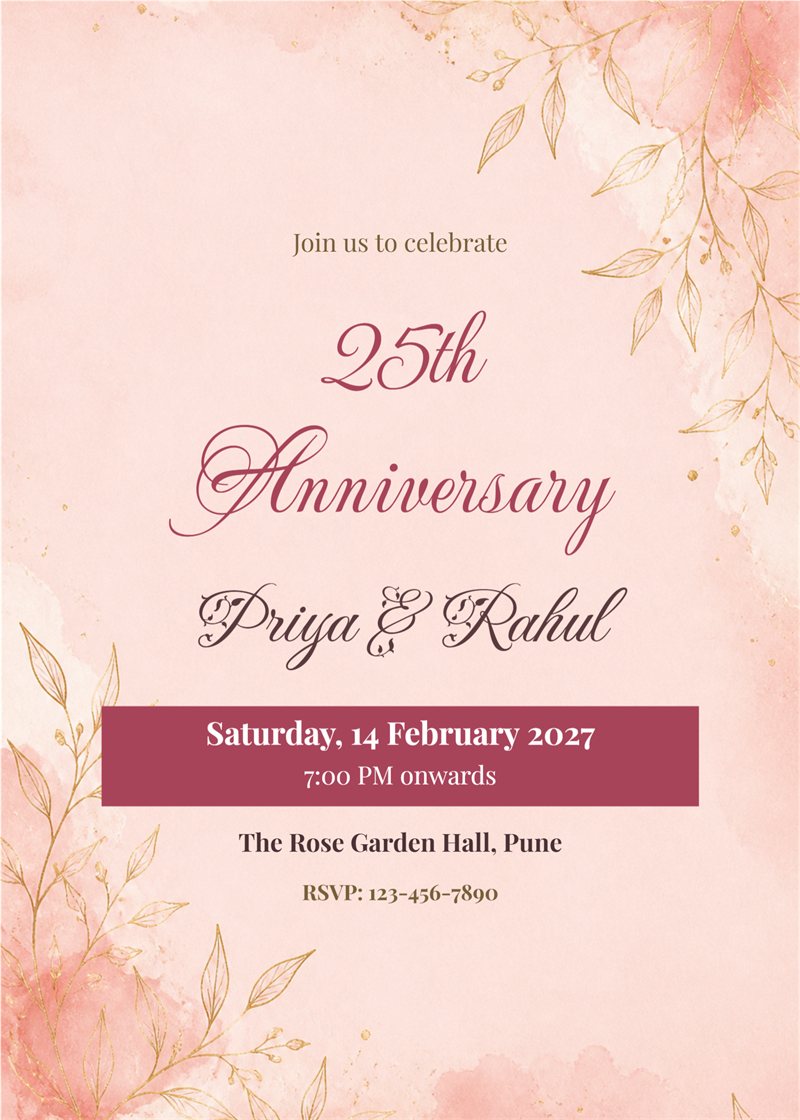
blush fine line botanical anniversary invitation with date banner
Whether it is a first anniversary dinner or a 25th silver jubilee with the whole family, a thoughtful invitation makes the day feel special. EasyInvite offers anniversary invitation cards in English that you can edit online. Choose a rose, silver, golden or minimal design, add your names, date, time and venue, and share it with guests in minutes.
An anniversary invitation should feel warm and personal. With EasyInvite you get:
It takes only three simple steps:
1. Can I make a 25th or 50th anniversary invitation?
Yes. Edit the text to show any anniversary, such as 10th, 25th silver jubilee or 50th golden anniversary, and choose a design that fits the milestone.
2. Can I add my own photo?
Yes. Tap the photo in the template, choose Change, pick your picture and use Crop to fit. You can also remove the background or turn the photo into an AI cartoon or Ghibli style image.
3. How do I share my card?
Download it as an image and send it on WhatsApp, or share it from the EasyInvite app straight to your contacts and groups.
4. Do the designs cost anything?
Designs use credits from your EasyInvite account. The number of credits depends on the template.
Years of love deserve a beautiful invitation. Pick an anniversary invitation card you like, add your photo and details, and invite your family and friends to share the joy.
Frequently Asked Questions