

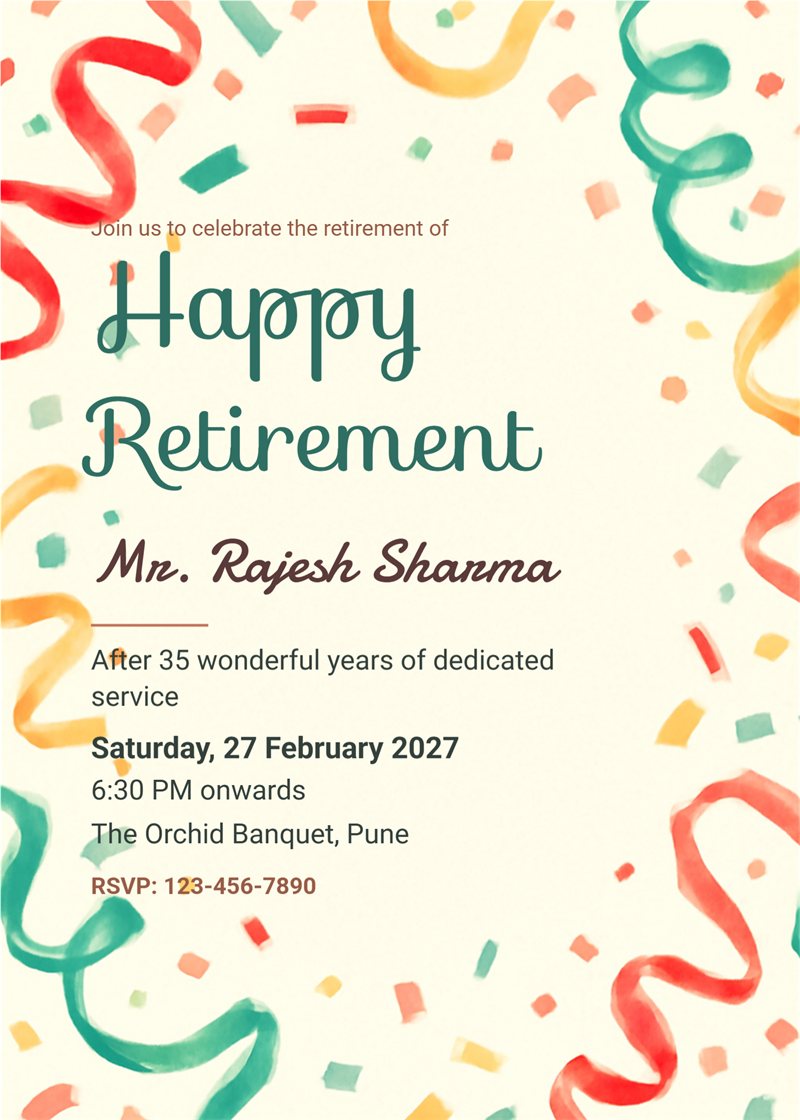
coral and mint confetti retirement invitation left aligned

coral and mint confetti retirement invitation

books, coffee and plants retirement invitation
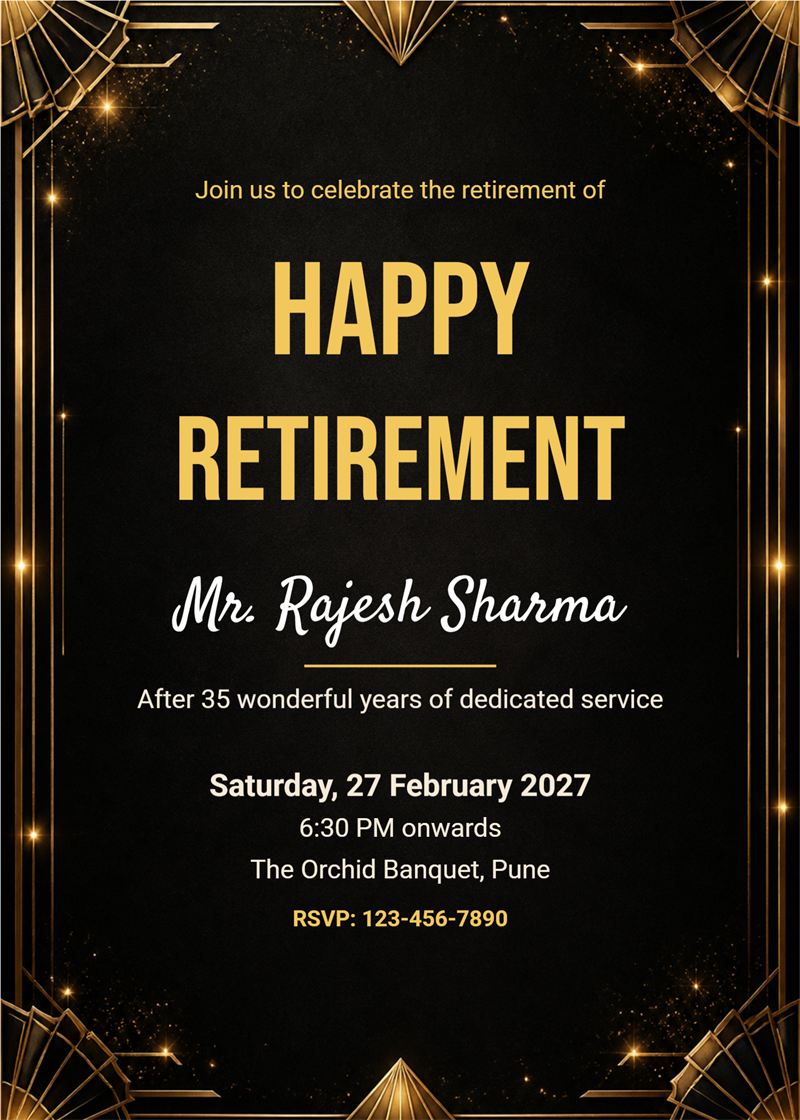
black and gold elegance retirement invitation

blue sky and balloons retirement invitation with date banner
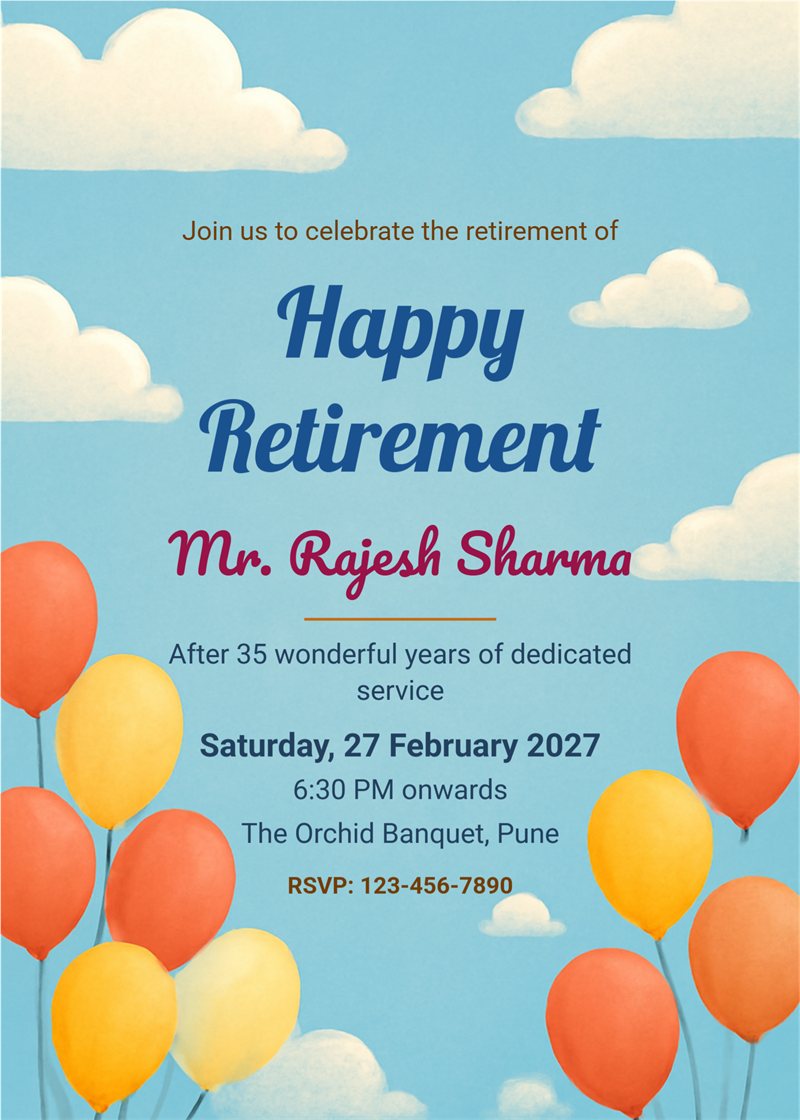
blue sky and balloons retirement invitation

burgundy and gold classic retirement invitation

travel map and compass retirement invitation with illustration
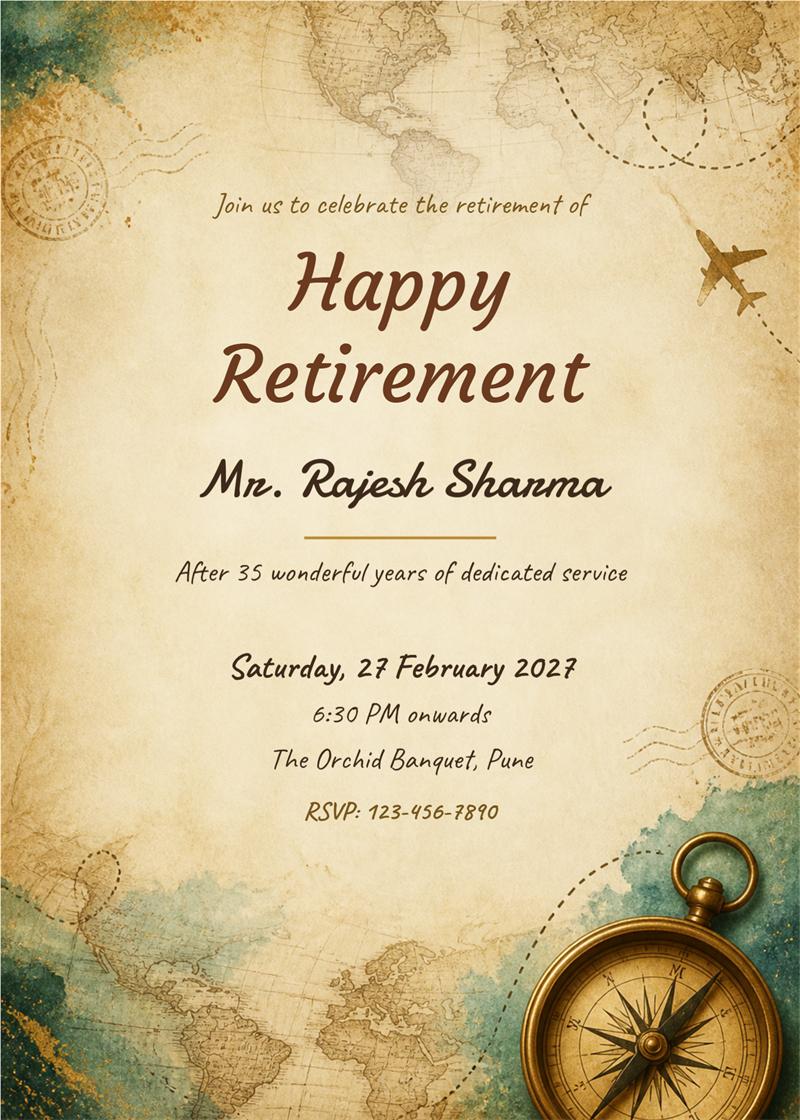
travel map and compass retirement invitation
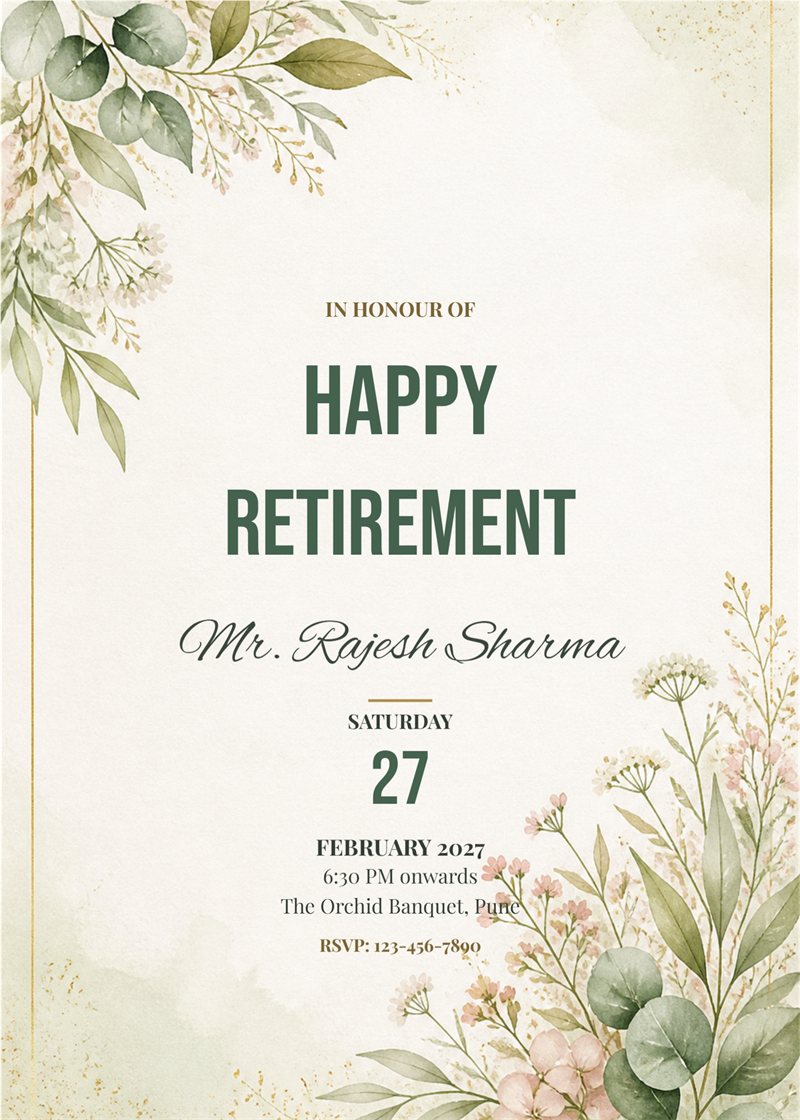
sage botanical watercolour retirement invitation modern
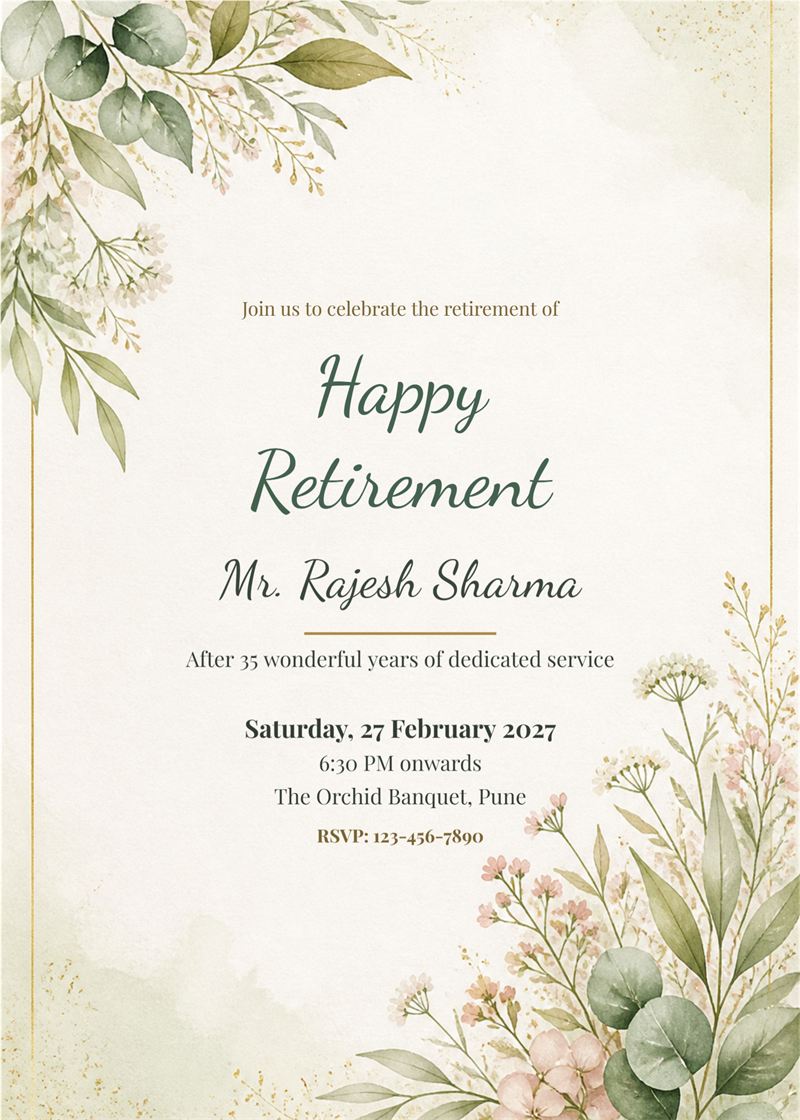
sage botanical watercolour retirement invitation

cream and gold minimal confetti retirement invitation
A retirement is the end of one chapter and the start of a new one. With EasyInvite you can make a retirement party invitation in English in a few minutes. Choose a classic navy and gold, sunset, travel or modern minimal design, add the name, date, time and venue, and send it to colleagues, friends and family on WhatsApp.
A retirement invitation should feel warm and respectful. With EasyInvite you get:
It takes only three simple steps:
1. Can I write a short thank you message on the card?
Yes. The message line is an editable text layer, so you can write a few words about the years of service or the plans for the new chapter.
2. Can I add my own photo?
Yes. Tap the photo in the template, choose Change, pick your picture and use Crop to fit. You can also remove the background or turn the photo into an AI cartoon or Ghibli style image.
3. How do I share my card?
Download it as an image and send it on WhatsApp, or share it from the EasyInvite app straight to your contacts and groups.
4. Do the designs cost anything?
Designs use credits from your EasyInvite account. The number of credits depends on the template.
Choose a retirement party invitation, add your details and invite everyone to celebrate. A beautiful card sets the tone for a warm and happy send-off.
Frequently Asked Questions