

housewarming party house warming invitation card with qr code
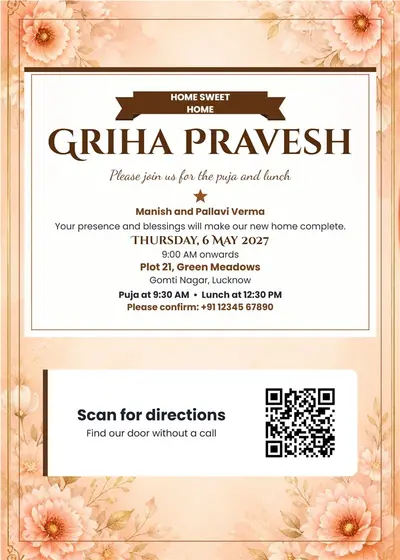
griha pravesh house warming invitation card framed and qr code
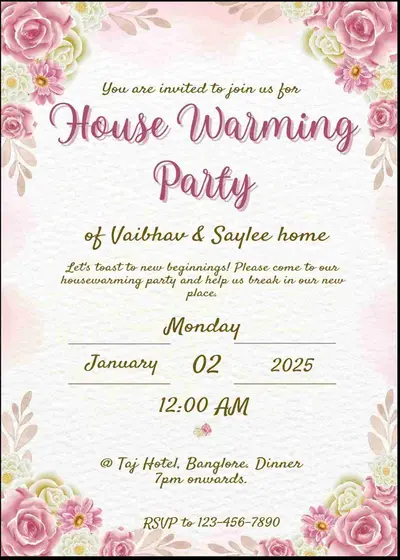
Free housewarming invitation card creator - easyinvite

Free elegant housewarming invitation card maker - easyinvite
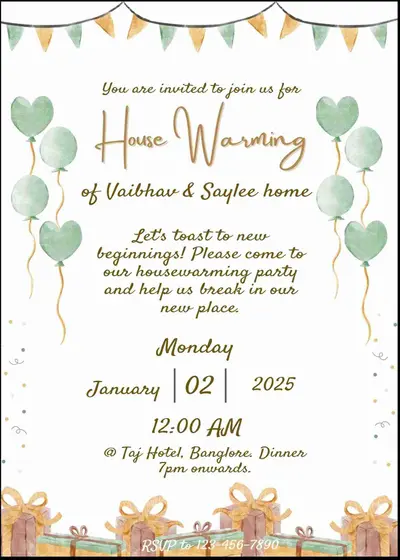
Personalized housewarming invitations - free and easy!

Design housewarming invitations for free - easyinvite

Free online housewarming invitation card maker - easyinvite
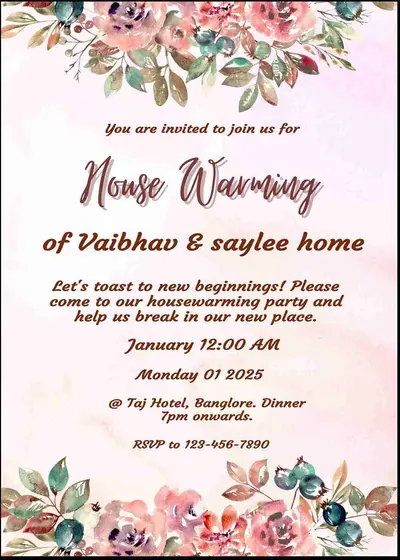
Create housewarming invitations online for free - easyinvite

Customize housewarming invitations for free - easyinvite

Create custom housewarming invitations for free - easyinvite
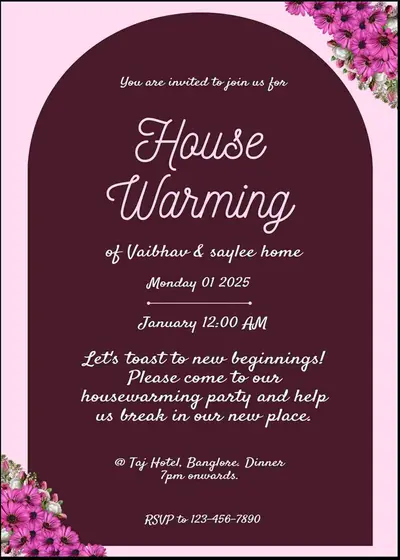
Create custom housewarming invitations for free - easyinvite

Personalized housewarming invitations - free and easy!
Moving into a new home is a big milestone, and most families mark it with a puja, a lunch or an open house. With EasyInvite you can make a housewarming invitation card online in English. Choose a traditional griha pravesh design with kalash and mango leaves, a house illustration card or a clean modern layout, add the date, time and address, and share it on WhatsApp with family, neighbours and friends.
Different families celebrate in different ways, and the card should say what to expect. Use the same template for a traditional griha pravesh puja, a gruhapravesham, a vastu shanti, a small family lunch or an evening open house. Write the muhurat for the puja, mention if lunch or dinner follows, and add the full address so guests can find the new house easily.
List the family name, the date and time of the ceremony, the new address with a landmark, and a contact number. If guests are travelling, you can add a short line about parking or the nearest station. All text boxes are editable, so you can add or remove lines as you need.
Here are the looks you will find:
Choose a card that matches the ritual. A traditional puja card with a kalash suits a griha pravesh, while a clean modern card suits an open house with snacks and music. Put the muhurat in a clear line, add the address with a landmark, and mention whether lunch or tea follows. If many guests are coming from other cities, add the nearest station or a parking note in a short line at the bottom of the card. Remember to double check the date and the phone number before you share the card, because a small mistake can confuse many guests.
You do not need any design skills. Follow these steps in the EasyInvite editor:
Tap the photo in a photo template, choose Change and select your picture. Crop to fit keeps the house or the family in the frame, and Remove background can give you a clean cut out.
Moving house is already busy. Let the invitation be simple:
Many families prefer a griha pravesh invitation in their own language. EasyInvite has dedicated pages for this:
You may also want to look at these categories:
1. How do I make a housewarming invitation online?
Open a housewarming template, edit the names, muhurat, date and address, then download and share it on WhatsApp.
2. Can I use it for griha pravesh or vastu puja?
Yes. Change the heading and the details to match your puja and pick a traditional design.
3. Can I add a photo of my new home?
Yes. Choose a photo template, tap the photo, select Change and use Crop to fit.
4. Can I invite guests in Hindi, Marathi or Gujarati?
Yes. See the language pages linked above for Hindi, Marathi and Gujarati griha pravesh cards.
5. Does it work on my phone?
Yes. EasyInvite works on the website and in the Android app.
A new home deserves a warm invitation. Pick a housewarming invitation template, add your details and invite your loved ones to bless your new beginning.
Frequently Asked Questions