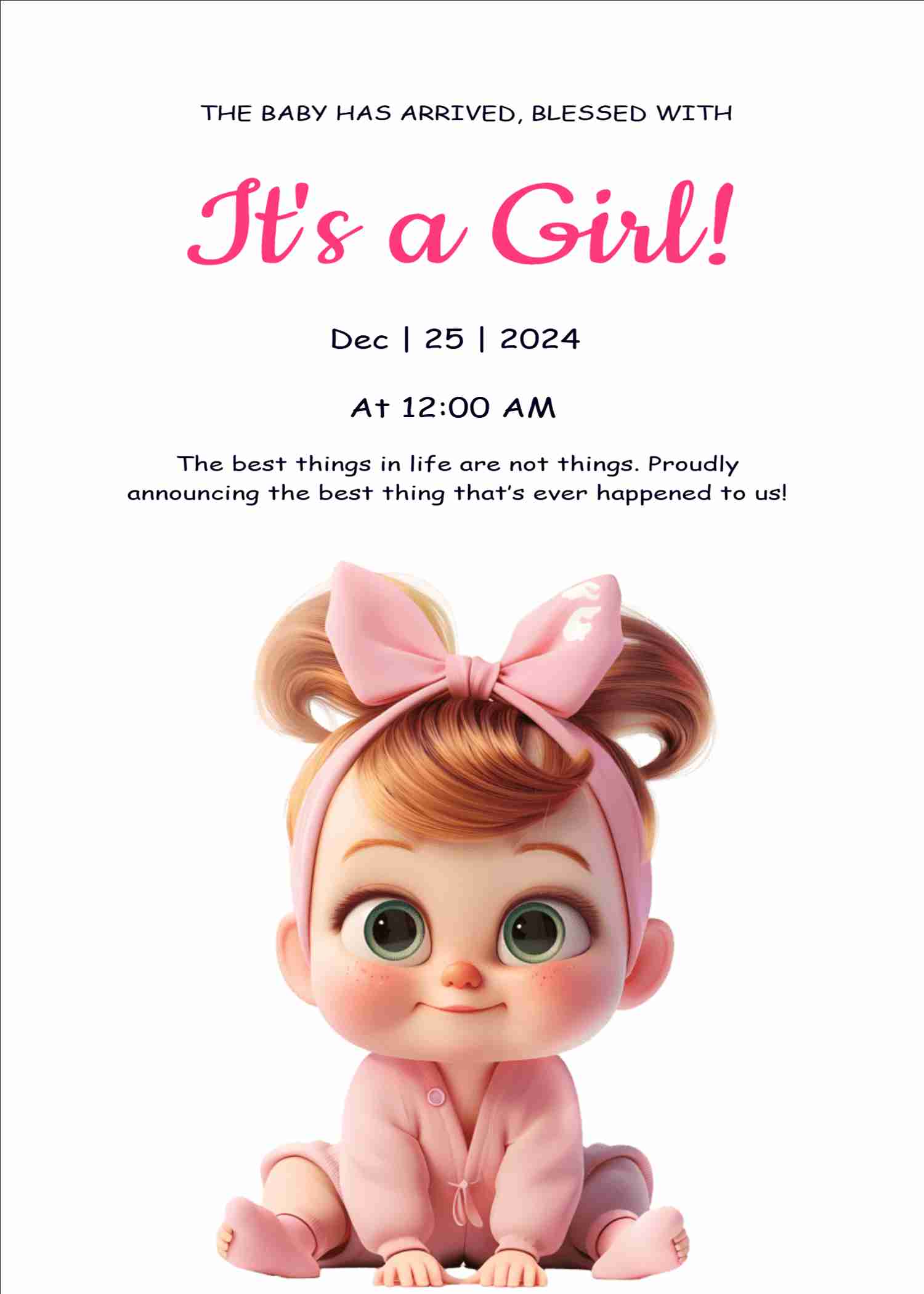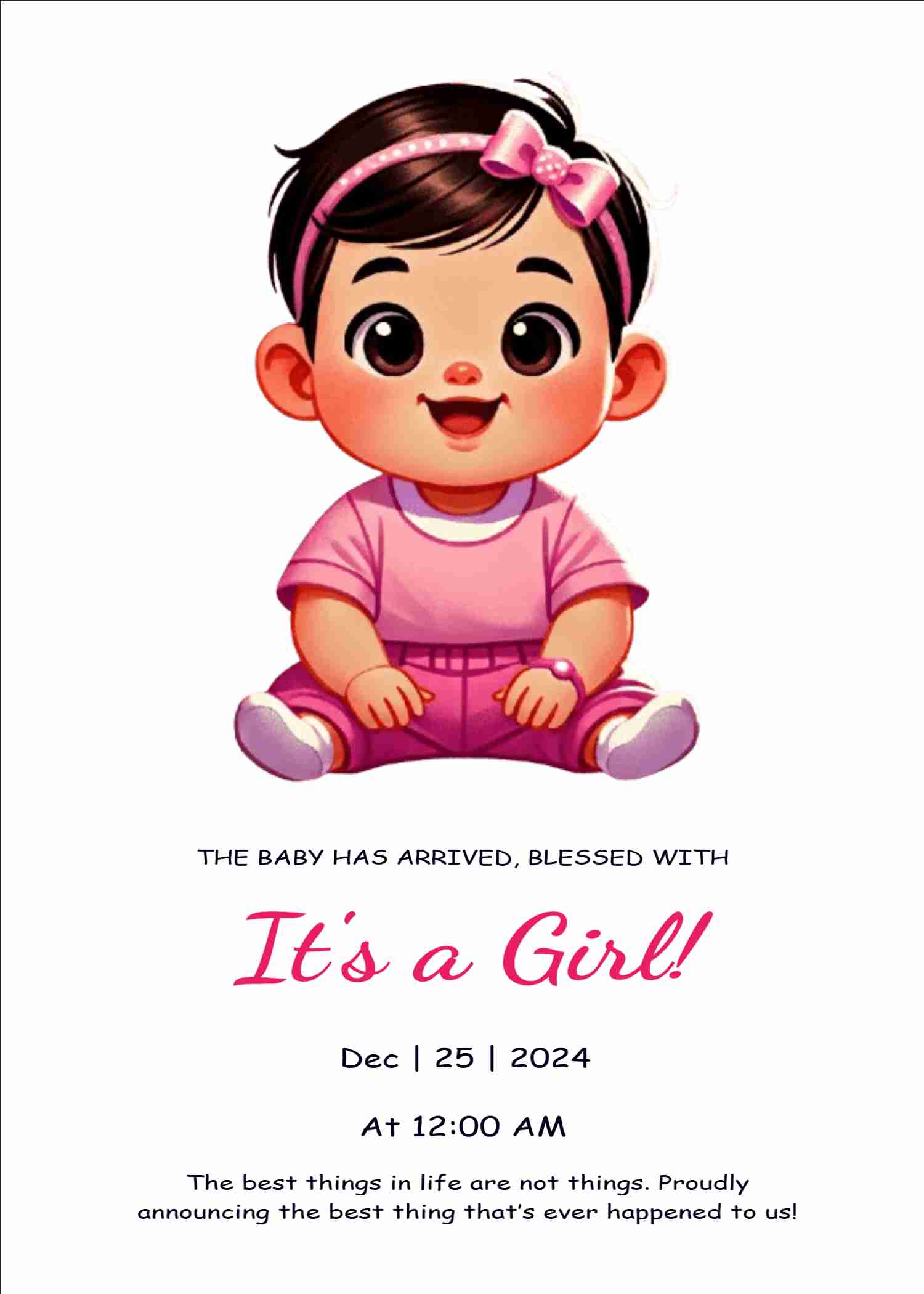

The arrival of a baby is news everyone wants to hear. With EasyInvite you can make a birth announcement card online in English within minutes. Choose a design with soft animals, a cradle, tiny footprints or flowers, write the baby name, date of birth, time, weight and the names of the proud parents, add the newborn photo if you like, and share it on WhatsApp with family and friends who are waiting for the news.
Keep the wording short and warm. Most families include the baby name, the date and time of birth, the weight, and the parents and siblings names. You can also add a blessing, the hospital or city, and a line such as thank you for your wishes. Every line is an editable text box, so you can keep it simple or make it detailed.
There are soft blue designs for baby boys, pink and peach designs for baby girls, and neutral green, yellow and cream cards if you prefer a gentle look for any baby. Many cards have cute animals, moon and stars, balloons or flowers, and some have space for a newborn photo with a clean frame. You can also announce twins by editing the text and picking a layout with two names.
Choose a style that matches your family:
Choose a card that matches how you want to share the news. A soft cartoon card is perfect for a family group, while a photo card works well for close friends. Write the baby name in the largest script on the card, and keep the date, time and weight in a small line below it. If you are sending the card to many people, download it once and forward the same image so that everyone sees the same design. If you later hold a naming ceremony, you can make a matching invitation in the naming ceremony category.
You do not need any design skills. Follow these steps in the EasyInvite editor:
If your template has a photo frame, tap it, choose Change and select the picture. Crop to fit keeps the baby centred, and you can remove the background or try an AI cartoon or Ghibli effect for a playful announcement.
When a baby arrives, time is precious. EasyInvite helps you announce the news quickly:
Birth announcement cards are currently available in English. For the family ceremonies that follow, you can also use our regional language pages:
Other baby related pages you may need:
1. How do I make a birth announcement card online?
Open a birth announcement template, write the baby name, date of birth, weight and parents names, then download the card and share it on WhatsApp.
2. Can I add my newborn photo?
Yes. Choose a template with a photo space, tap the photo, select Change and use Crop to fit.
3. Can I announce twins?
Yes. Edit the text to include both names and choose a layout that suits two babies.
4. Can I keep the baby name private?
Yes. You can leave the name out or replace it with a short line and edit it later.
5. Can I use it on my phone?
Yes. EasyInvite works on the website and in the Android app.
Your baby has arrived, and your family cannot wait to celebrate. Pick a birth announcement template, add the details and send the happy news today.
Frequently Asked Questions