

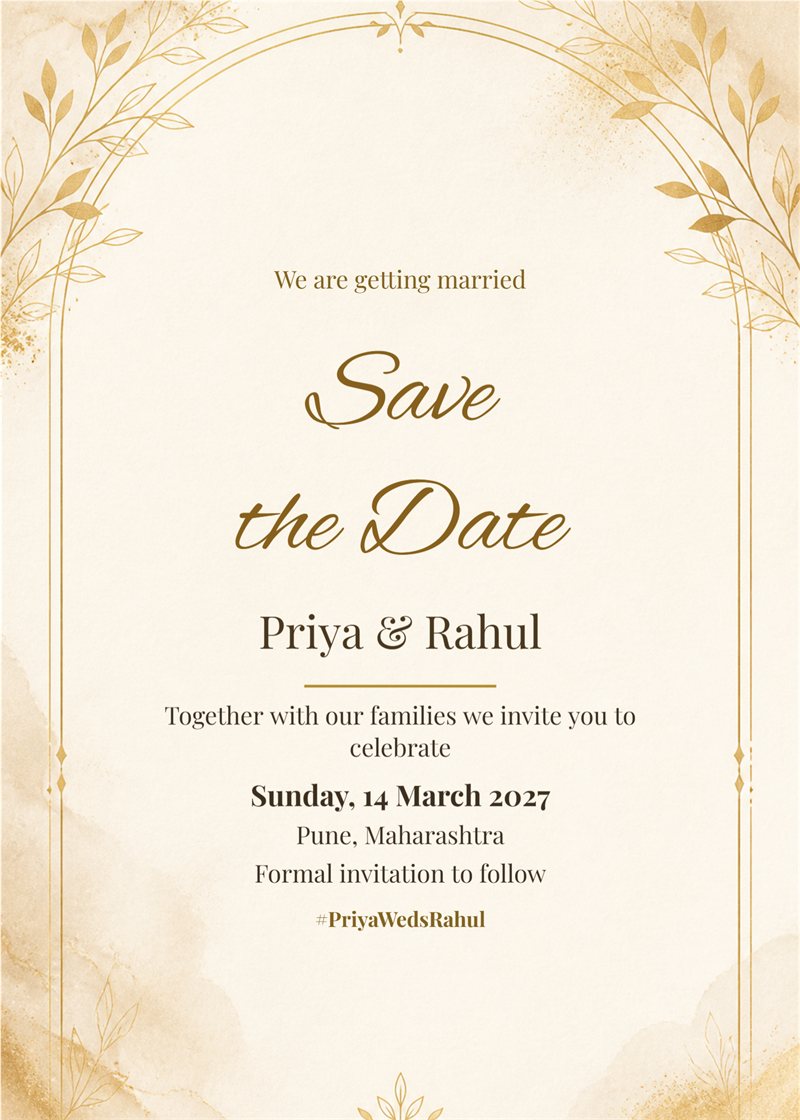
minimal ivory arch save the date card
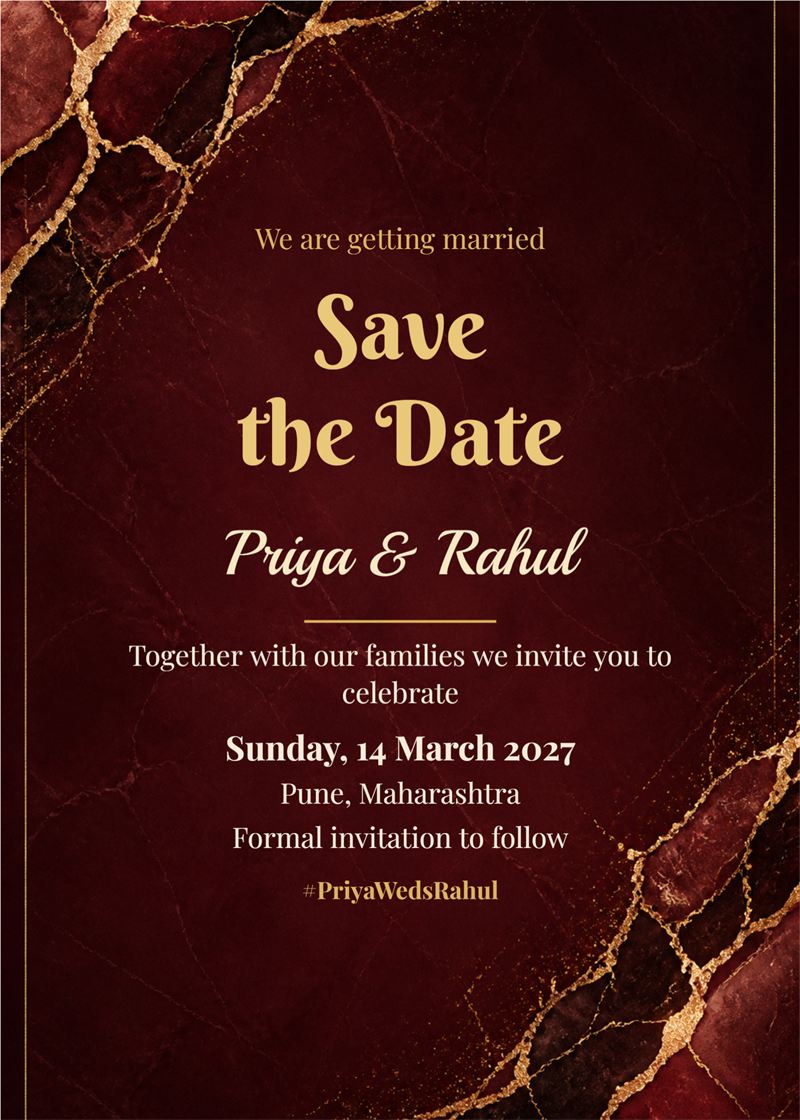
burgundy and gold marble save the date card
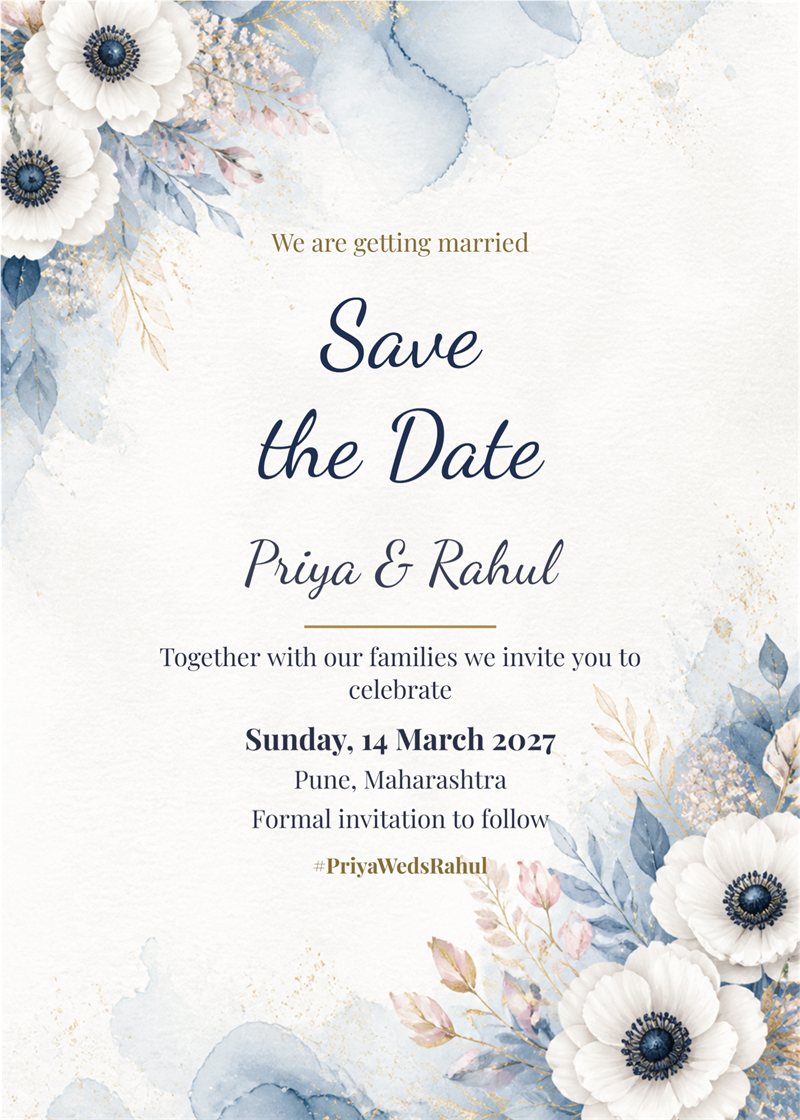
dusty blue watercolour save the date card
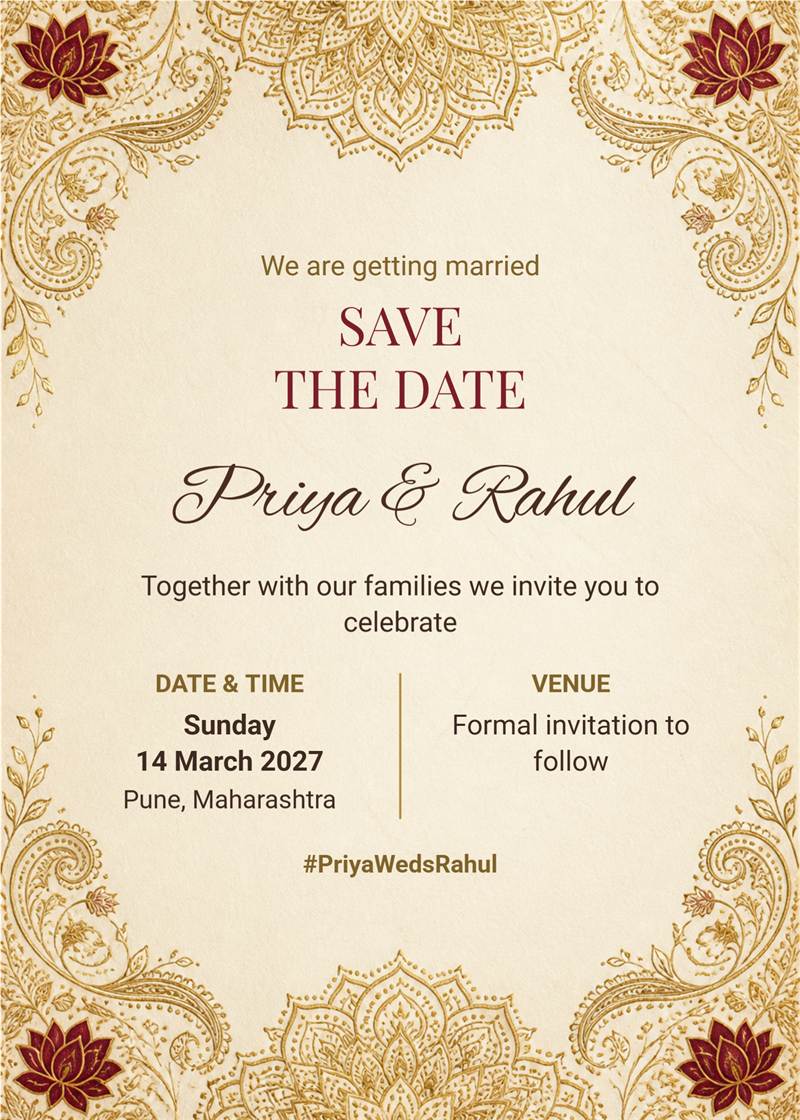
ivory and gold indian line art save the date card with details panel
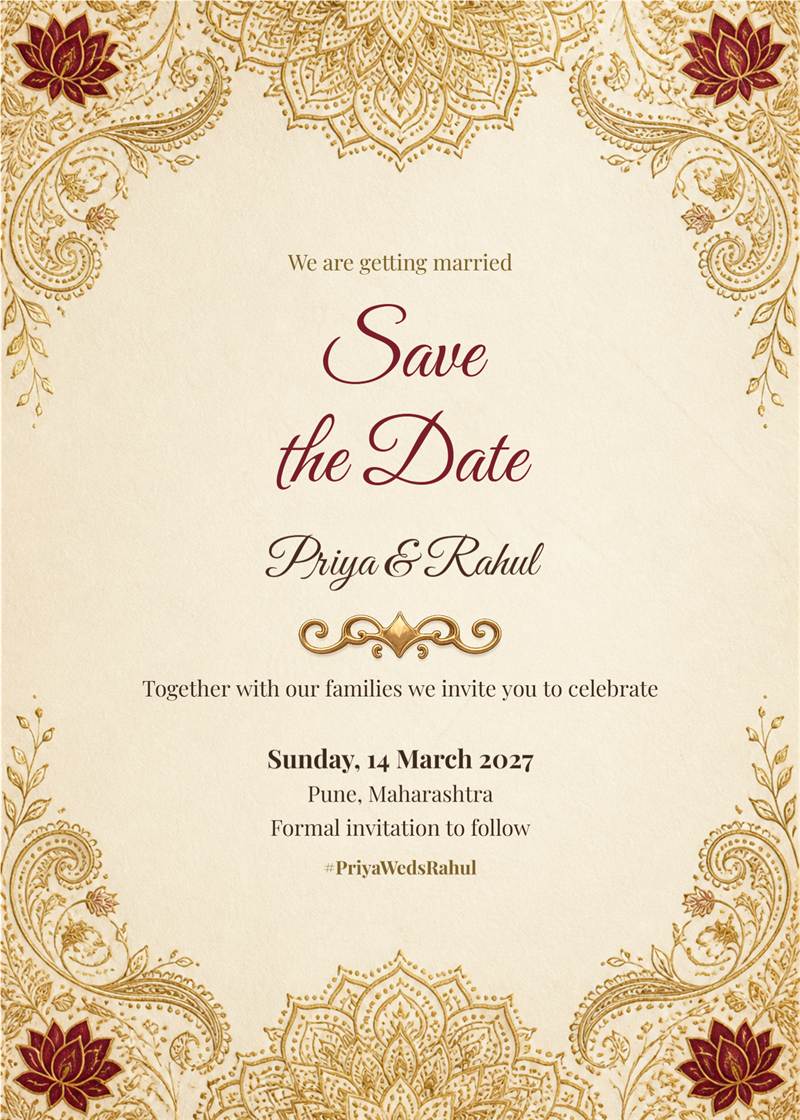
ivory and gold indian line art save the date card
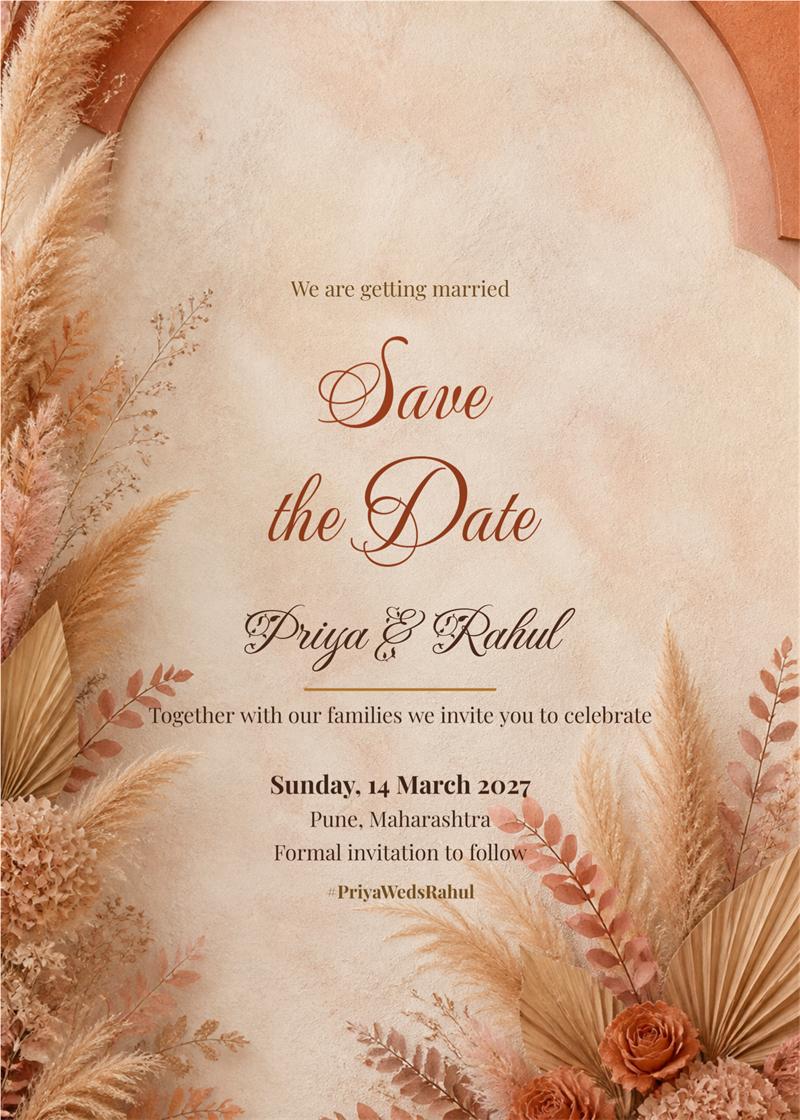
terracotta boho pampas save the date card
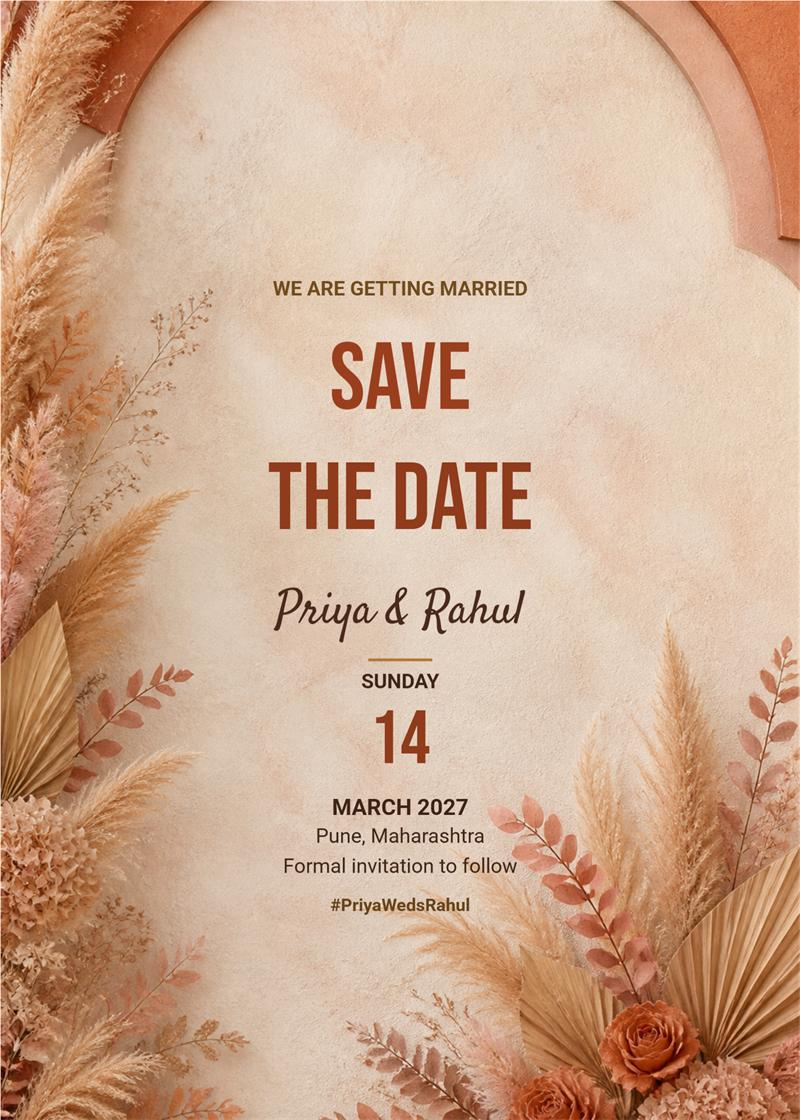
terracotta boho pampas save the date card modern

navy and gold celestial save the date card
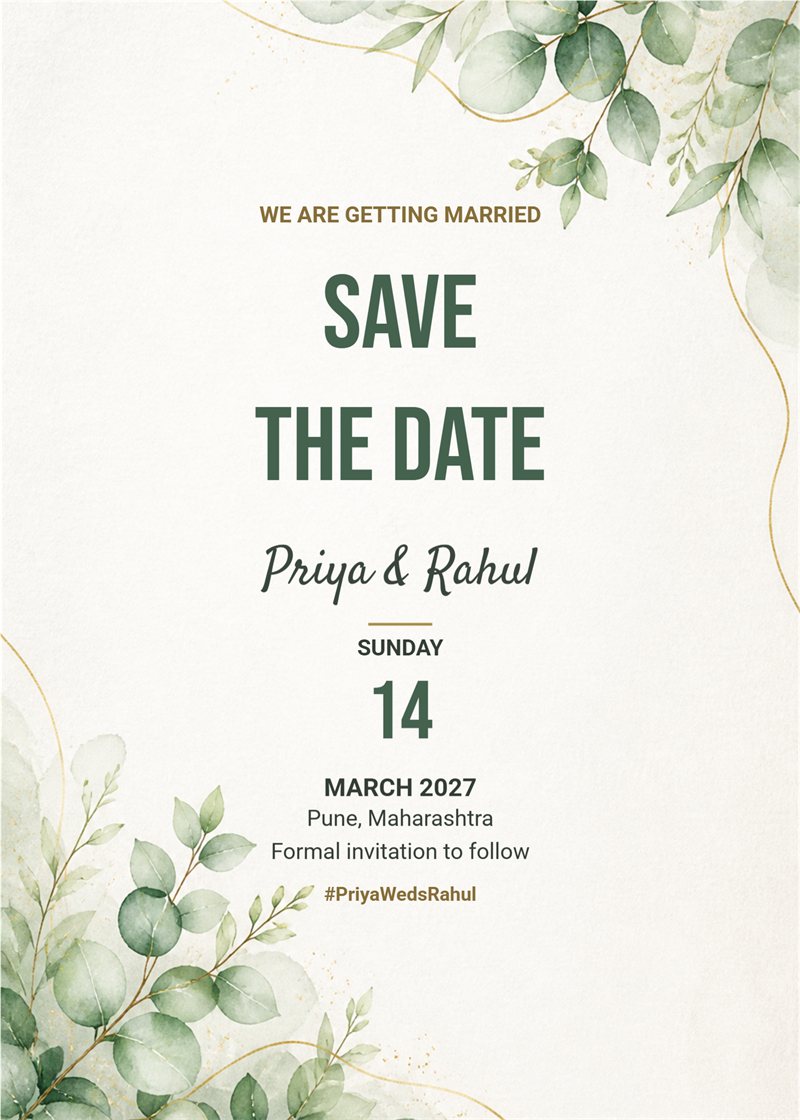
sage eucalyptus minimal save the date card modern
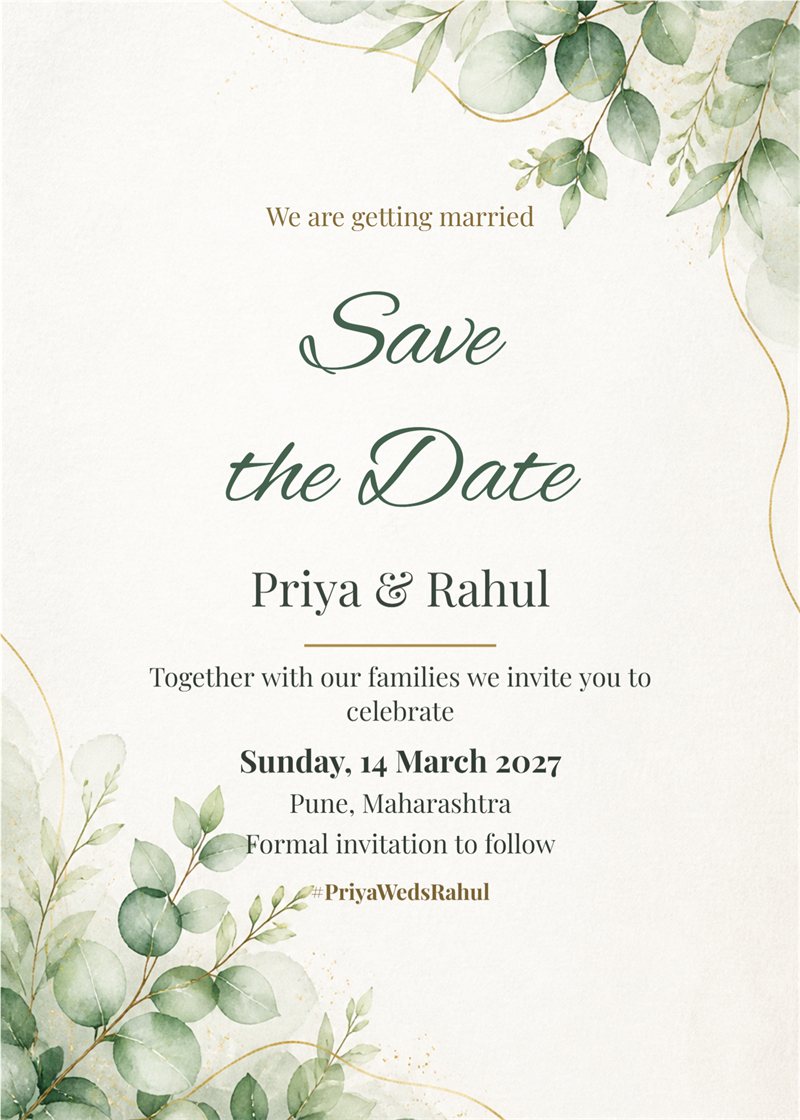
sage eucalyptus minimal save the date card
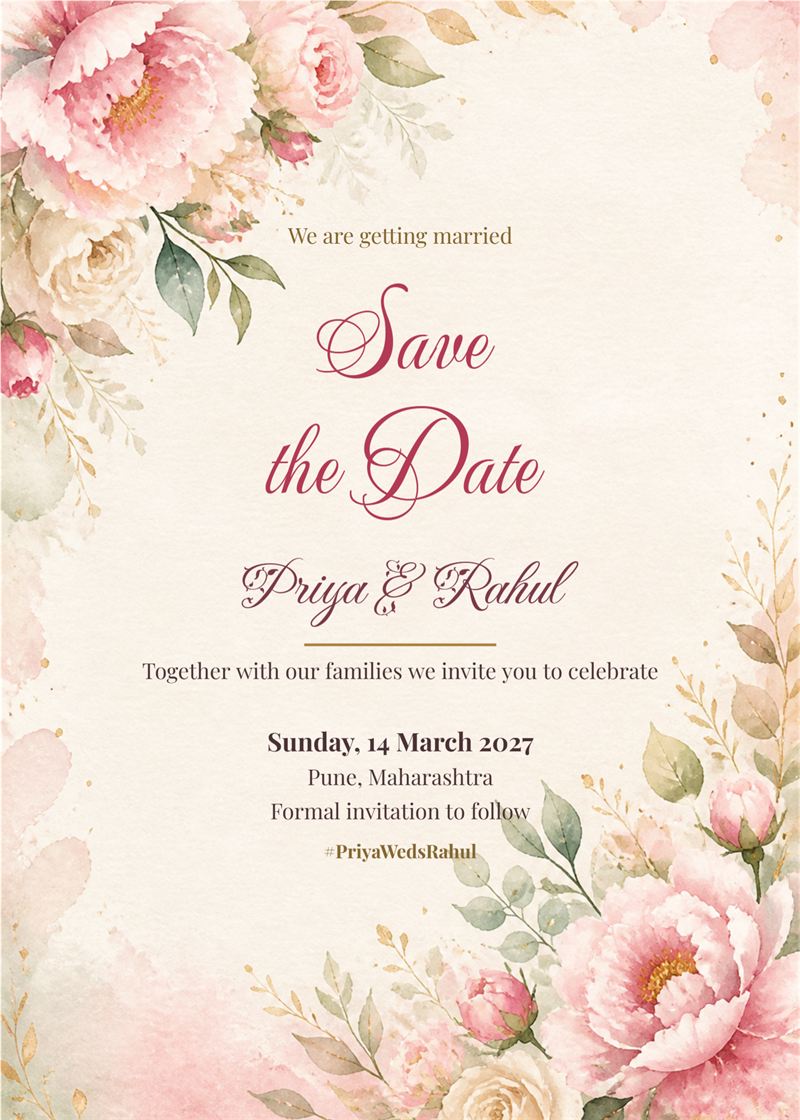
blush watercolour florals save the date card
A save the date card gives family and friends time to plan travel and leave before the formal invitation arrives. With EasyInvite you can make a save the date card in English in a few minutes. Choose a soft floral, minimal, celestial or royal design, add your names and wedding date, and share it on WhatsApp straight away.
A save the date should look beautiful and be easy to read. With EasyInvite you get:
It takes only three simple steps:
1. What should I write on a save the date card?
Keep it short: the names, the wedding date, the city and a line such as formal invitation to follow. All of these lines can be edited in the template.
2. Can I add my own photo?
Yes. Tap the photo in the template, choose Change, pick your picture and use Crop to fit. You can also remove the background or turn the photo into an AI cartoon or Ghibli style image.
3. How do I share my card?
Download it as an image and send it on WhatsApp, or share it from the EasyInvite app straight to your contacts and groups.
4. Do the designs cost anything?
Designs use credits from your EasyInvite account. The number of credits depends on the template.
Your save the date is the first look your guests get at your wedding. Choose a save the date card that matches your style, add your details and send it today.
Frequently Asked Questions